Yoto Label Size Guide
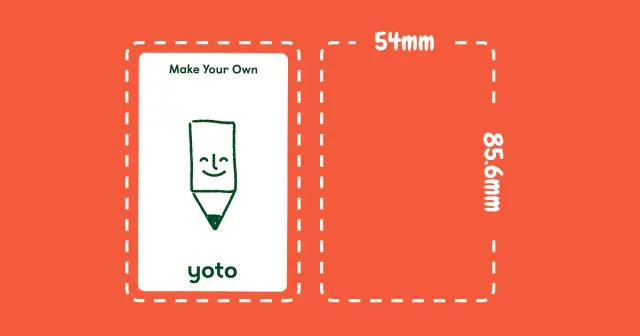
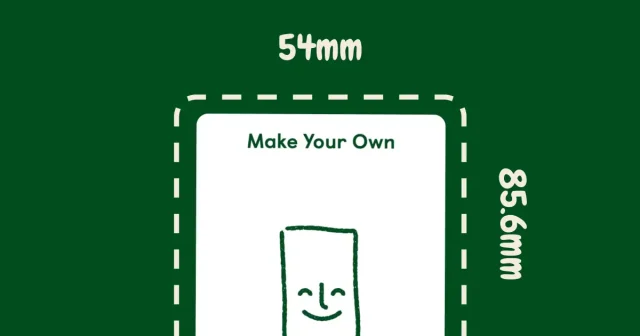
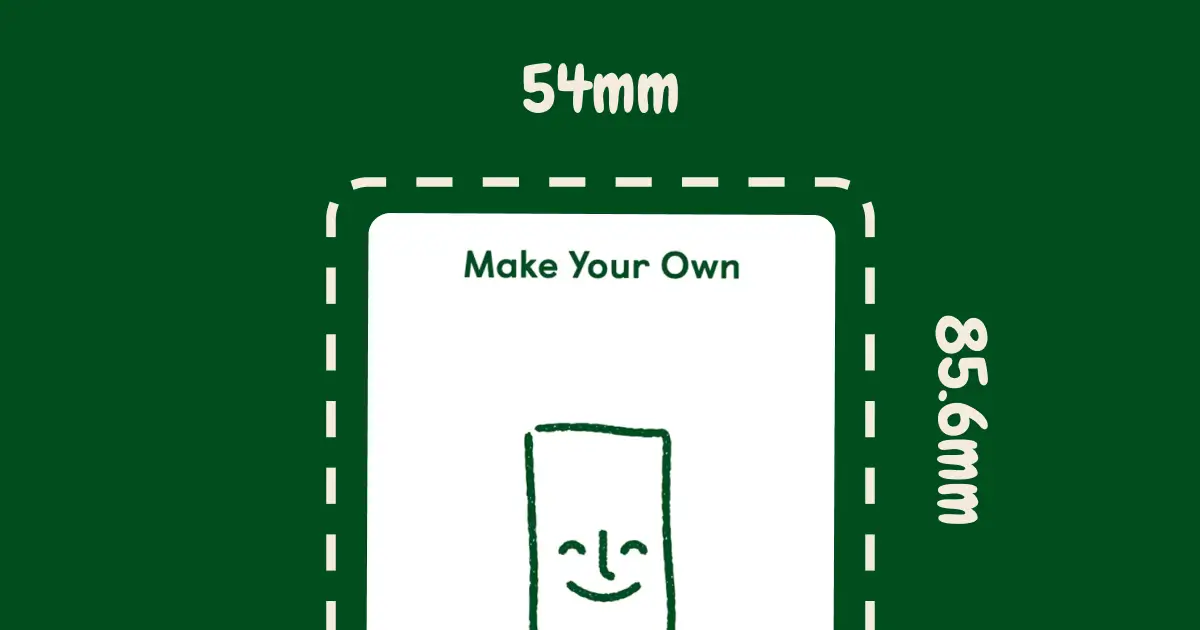
Yoto labels are the same size as the cards: 54mm × 85.6mm (about 2.1" × 3.4").
Quick answer: Make labels 54mm × 85.6mm. If cutting by hand, make them 51mm × 82.6mm (leaves a small white border that's way easier to apply). How many labels fit on different paper sizes and what actually works.
Yoto Label Dimensions
Full size (edge-to-edge):
- 54mm × 85.6mm (2.1" × 3.4")
- Covers entire card
- Looks most professional
- Harder to apply perfectly
With small border (easier):
- 51mm × 82.6mm (2.0" × 3.25")
- Leaves 1.5mm white edge showing
- Much easier to apply
- Hides cutting imperfections
I use full size with vinyl sticker paper (it's forgiving during application). Also works fine with regular sticker paper. Used bordered labels when cutting by hand with scissors—many parents do this too since it's easier to line up.
How Many Labels Per Sheet
- Letter paper (8.5" × 11"): 9 labels
- Legal paper (8.5" × 14"): 12 labels
- A4 paper: 9 labels
- A5 paper: 4 labels
- 4×6 photo paper: 2 labels
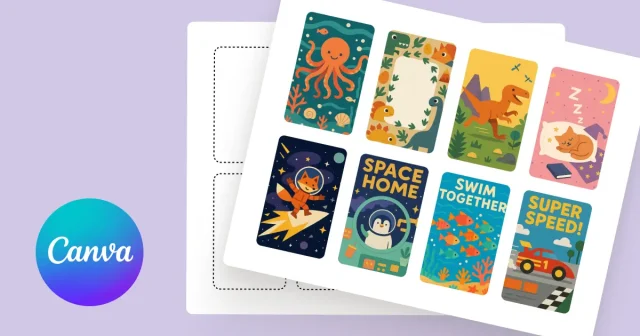
The tool spaces them out automatically for whatever paper size you pick.
Common Questions About Yoto Label Size
What size are Yoto labels?
54mm × 85.6mm (same as the Yoto cards). About 2.1" × 3.4" in inches.
How many Yoto labels fit on Letter paper?
9 labels per sheet (3 columns, 3 rows).
Should I leave a border on Yoto labels?
If cutting by hand, yes. Make labels 51 × 82.6mm (leaves 1.5mm white border). Way easier to apply.
If using vinyl sticker sheets with perforations, go full size (54 × 85.6mm).
What's the best Yoto label size for printing?
54mm × 85.6mm for edge-to-edge coverage. Tool handles the spacing for whatever paper size you use.
---
Last updated: December 18, 2025