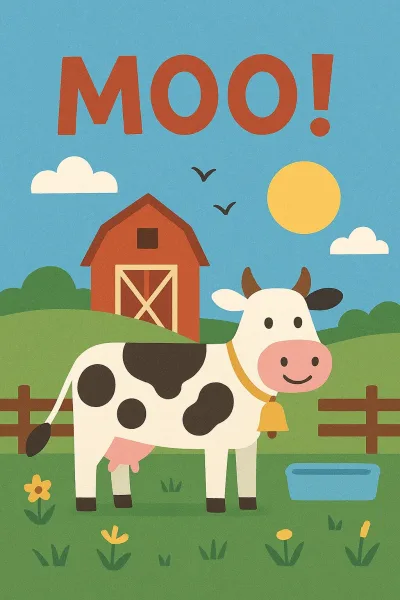
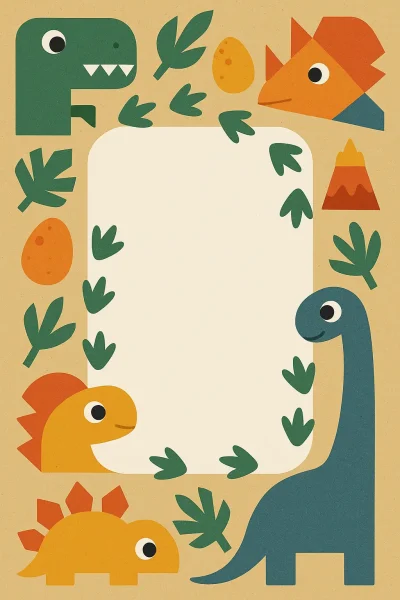
The easiest way to make your own Yoto card labels! Upload your image, get perfect sizing automatically, and download a print-ready PDF.
If you've spent time in Yoto parent groups, you know the chaos. Canva, Google Slides, Pinterest guides, Facebook tutorials. Everyone has their system, and none of them quite work the way you need them to.
We built this to simplify it. Upload an image, get a print-ready PDF. That's it.


When my son Elias got his Yoto Player at three, we kept it simple. Pencil drawings, stick them on, done. But kids grow up. Suddenly he wanted the Spider-Man card. The Bluey card. The Power Rangers card.
So I did what any parent does. I measured an existing MYO card. 54mm by 85.6mm, easy enough. Then came the corner radius. Trickier. Then hunting through dozens of templates scattered across Canva, Google Slides, Reddit PDFs, Facebook group files. None of them felt quite right.
We'd sit together scrolling through Google Images, looking for the perfect artwork of whatever he was into that week. He'd say "that one," I'd save it, then spend fifteen minutes resizing and adjusting, hoping it would fit when printed.
The searching together part was fun. Everything else was not.
As a designer, I kept thinking about it. Why was this so complicated? You have an image. You need a label. There had to be a simpler way.
One weekend, I started sketching ideas while Elias played with his cards. He asked what I was doing. I said, "Making a tool where you just drop in a picture and it makes a label." He said, "Cool, can mine have more ocean animals?"
So we built it. Drop an image of your kid's favorite book cover, movie poster, TV show character, even a drawing, and get a print-ready PDF. No measuring. No corner radius math. No template hunting.
Now he picks images he loves or uses our templates. Ocean life, mostly. We print them, he cuts them out however he wants, and sticks them on. If something doesn't work, he tells me. It's our routine now.
Your cards don't need to be perfect. The point is making something they're excited about. Sitting down together, choosing pictures, cutting them out with crooked edges, and watching them stick it on with pride.
Use our free templates. Upload family photos (everything happens locally in your browser, so we never see your images). Find images online of their favorite characters for personal use. We're not lawyers, just parents making labels. Whatever gets them excited.
Upload. Adjust if needed. Download. Print. Cut. Do it together.
This started as a weekend project months ago. We're still using it every week. If something doesn't work, message me. I'm figuring this out too.

Feedback
This tool was built by parents, for parents. Have a suggestion or found a bug? We want to hear from you!
The easiest way to make your own Yoto card labels! Upload your image, get perfect sizing automatically, and download a print-ready PDF.
If you've spent time in Yoto parent groups, you know the chaos. Canva, Google Slides, Pinterest guides, Facebook tutorials. Everyone has their system, and none of them quite work the way you need them to.
We built this to simplify it. Upload an image, get a print-ready PDF. That's it.


When my son Elias got his Yoto Player at three, we kept it simple. Pencil drawings, stick them on, done. But kids grow up. Suddenly he wanted the Spider-Man card. The Bluey card. The Power Rangers card.
So I did what any parent does. I measured an existing MYO card. 54mm by 85.6mm, easy enough. Then came the corner radius. Trickier. Then hunting through dozens of templates scattered across Canva, Google Slides, Reddit PDFs, Facebook group files. None of them felt quite right.
We'd sit together scrolling through Google Images, looking for the perfect artwork of whatever he was into that week. He'd say "that one," I'd save it, then spend fifteen minutes resizing and adjusting, hoping it would fit when printed.
The searching together part was fun. Everything else was not.
As a designer, I kept thinking about it. Why was this so complicated? You have an image. You need a label. There had to be a simpler way.
One weekend, I started sketching ideas while Elias played with his cards. He asked what I was doing. I said, "Making a tool where you just drop in a picture and it makes a label." He said, "Cool, can mine have more ocean animals?"
So we built it. Drop an image of your kid's favorite book cover, movie poster, TV show character, even a drawing, and get a print-ready PDF. No measuring. No corner radius math. No template hunting.
Now he picks images he loves or uses our templates. Ocean life, mostly. We print them, he cuts them out however he wants, and sticks them on. If something doesn't work, he tells me. It's our routine now.
Your cards don't need to be perfect. The point is making something they're excited about. Sitting down together, choosing pictures, cutting them out with crooked edges, and watching them stick it on with pride.
Use our free templates. Upload family photos (everything happens locally in your browser, so we never see your images). Find images online of their favorite characters for personal use. We're not lawyers, just parents making labels. Whatever gets them excited.
Upload. Adjust if needed. Download. Print. Cut. Do it together.
This started as a weekend project months ago. We're still using it every week. If something doesn't work, message me. I'm figuring this out too.

Feedback
This tool was built by parents, for parents. Have a suggestion or found a bug? We want to hear from you!